 GIFFrame
ChatGPT & GIFs
How to make a GIF with ChatGPT
Learning how to make a GIF with ChatGPT starts with a clear motion idea: choose one subject, describe one action, and ask for a repeating loop. OpenAI introduced Images 2.6 on November 4, 2026, with GIF creation among its new capabilities. You can begin with words or a still picture. This guide walks through an example prompt, useful follow-up edits, and the checks to make before you share the downloaded animation. 1
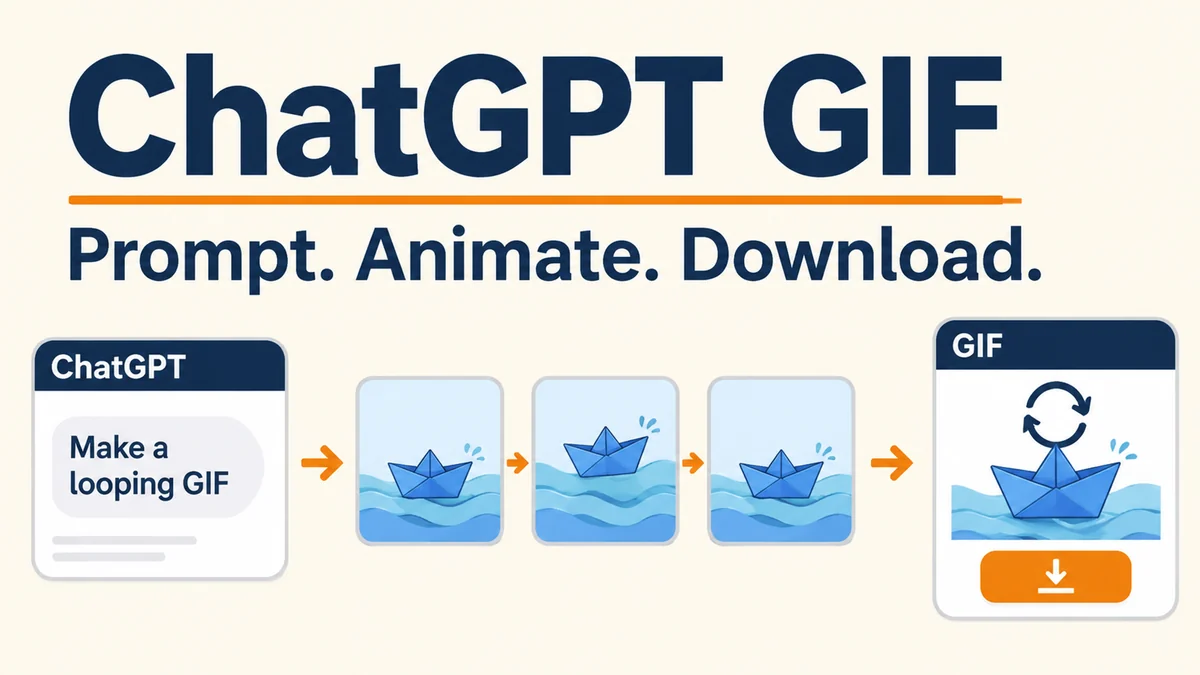
How to make a GIF with ChatGPT from a prompt
Start a chat and describe the animation you want. Include the subject, its movement, the background, and the desired loop. A small, repeatable gesture is a useful first project because you can judge its beginning and ending quickly. Try a wave, a blinking character, or a leaf turning gently. Save a complicated scene with several moving subjects for a later revision.
Use the example below as a starting prompt. Replace the subject and style to suit your project. OpenAI's help page confirms that you can request a looping GIF by describing what should move. 2
Example prompt
Create a looping GIF of a small orange robot waving one hand. Keep the camera fixed and the pale blue background still. Use a clear silhouette. Return the hand to its starting position so the motion can repeat smoothly.
How to make a GIF with ChatGPT from a still image
Upload the picture you want to animate, then say which part should move and which details should remain consistent. For a product illustration, you might request a gentle tilt while keeping the label and background steady. For a character, specify a blink or a small hand movement. Treat these as creative directions to review in the result, rather than exact controls over every output pixel.
Choose a source picture with a clear subject and enough space around the planned movement. If an arm already touches the edge of the picture, a large wave may be awkward to frame. A tighter, simpler instruction gives you a clearer decision after generation: does the requested motion work, and does the picture still look like the original subject?
Review the loop and refine one thing at a time
Watch several repetitions before asking for changes. Look for a visible jump at the loop boundary, a drifting background, or a movement that distracts from the subject. Pick the most noticeable issue and describe it directly. For example: keep the current composition, reduce the hand movement, and bring the final pose closer to the first. Changing one feature at a time makes comparisons easier.
For a GIF created inside the conversation, ask ChatGPT for the edit in that same conversation. OpenAI also documents playback-speed adjustment when you open the generated GIF. Use motion edits for what happens in the scene and speed adjustment for how quickly it plays. ChatGPT cannot currently edit an animated GIF that you upload; that is a different workflow from animating a still image. 2
Download the animation and check the shared file
Open the generated GIF and use its save or share control. Then open the saved file on your device and play it through. Check the actual download, rather than relying entirely on the chat preview. Make sure it animates, the action is readable at its intended display size, and the loop still feels right when you view it away from the conversation.
If your destination rejects the file for being too large, use the GIF size reducer and compare the exported byte count with the destination's current limit. Keep the original download so you can retry with a gentler setting. A smaller preview on a webpage is not evidence that the file itself contains fewer bytes.
When separate images are the better starting point
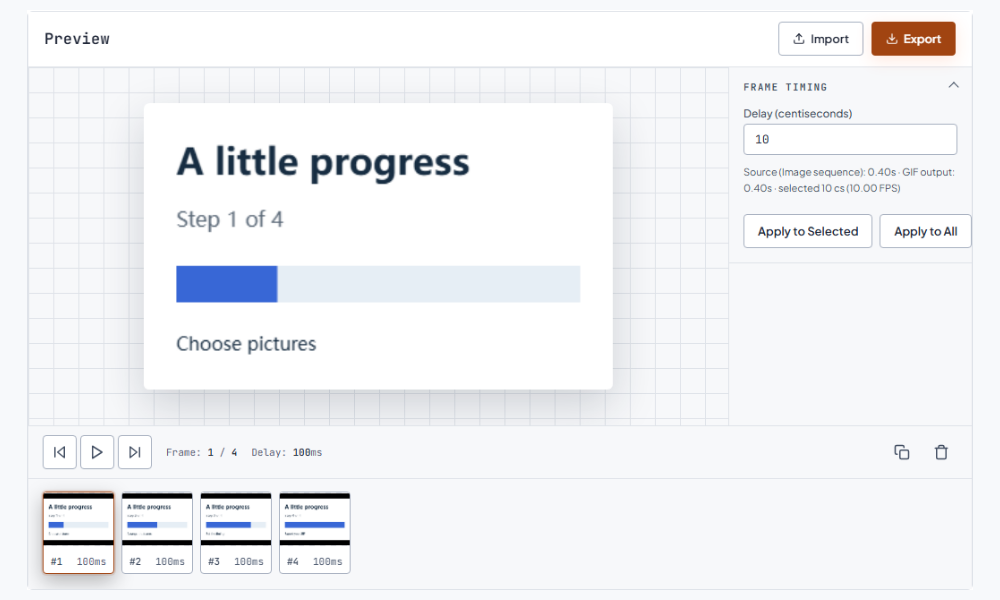
Sometimes you already have the pictures and want exact control over their order and pauses: a three-step explanation, alternate product colors, or a series of screenshots. Open image to GIF, add the separate JPG, PNG, or WebP files, arrange them, set frame delays, and export. That workflow combines pictures you supply; it does not invent movement between them.
If you need still pictures from a downloaded animation, the GIF frame extractor exports composed PNG frames in a ZIP. Extracting frames is useful for selecting a cover or inspecting a rough transition. Keep a note of the timing if you plan to rebuild the sequence, because the PNG files do not carry the original GIF delays.
Frequently asked questions
Can I make a GIF with ChatGPT for free?
OpenAI says Images 2.6 is available across subscription tiers. Availability across tiers does not promise unlimited generations. Check the controls and usage messages in your account; this guide does not assume a fixed free quota. 1
Why do I not see GIF creation yet?
OpenAI describes GIF creation as rolling out. If the requested GIF workflow is absent, check the current official help page and your account interface. Meanwhile, an existing image sequence can still be assembled in a browser tool. 2